
Method 1: Move a bioscope to another pen
This method is typically used when starting a new measurement series or when the bioscope is used to monitor a new fish group.
-
Go to the location overview, or open the specific pen.
-
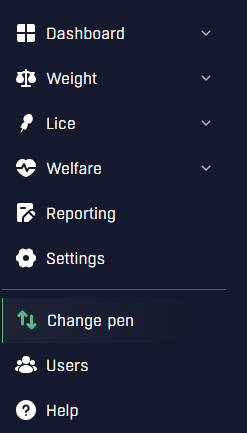
Click “Change pen” in the sidebar.
-
A list of all bioscopes belonging to your organization will appear.
-
Select the correct bioscope ID (4 digits) and click “Move.”
-
A dialog box will appear where you enter the correct location, pen, and date/time the bioscope was moved.
- The system will suggest the current date and nearest full hour, but if the move happened earlier, adjust the date and time to match the actual physical move. This ensures that measurements are linked to the correct pen in the web portal.
Note:
If the target pen does not exist in the overview, or if measurements already exist on the pen for a different fish group, contact us so we can add new pens.
Moved the wrong bioscope?
If you accidentally moved the wrong bioscope or saved the move at the wrong time, simply just click "Delete last move" for the bioscope ID that you just moved.
Method 2: Rename a pen (continue the same measurement series)
This method is used when the bioscope is moved together with the fish group and you want to continue the same measurement series.
-
Open the pen you want to rename.
-
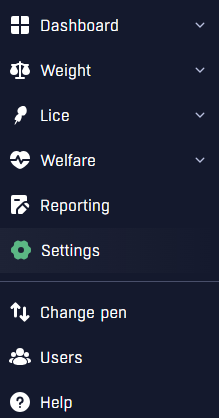
Click “Settings” in the sidebar.
-
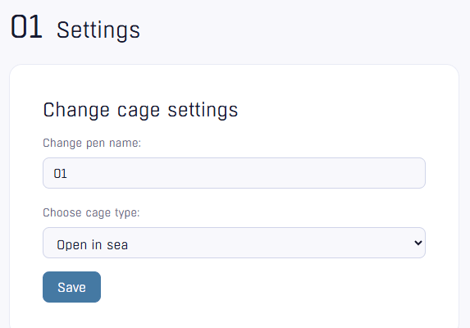
Enter a new pen name and click “Save.”
Note:
Once the pen is renamed, we will no longer be able to see its previous name.